
EOS App
BASIC VERSION FREEDesktop AI coding workspace for real projects.
- Windows / macOS / Linux
- Conversations, tasks, Bash, worktrees
- Signed Rust core, sandbox & permissions
From coding to everyday work.
Use AI on your desktop and in your terminal. Manage email and tasks, or work with local media. Choose the tools you need, and use AI Dev Methodology to shape your development process.
Desktop workspaces, terminal agents, and everyday tools. Choose what fits your work.
Desktop AI coding workspace for real projects.
Terminal AI coding agent — TUI, headless, MCP server.
--print headlessLocal media toolbox: batch convert, compress & watermark.
Todos, screenshots, a focus timer and local folders. Keep everyday work local; use AI with Todo Pro. Pro includes optional end-to-end encrypted cloud sync.
Local-first desktop email client: IMAP/SMTP, Gmail OAuth.
The spec-driven playbook for shipping with AI agents.
$19 USD · One-time purchase
A native desktop workbench that turns AI conversations into shipped work. The basic version is free.
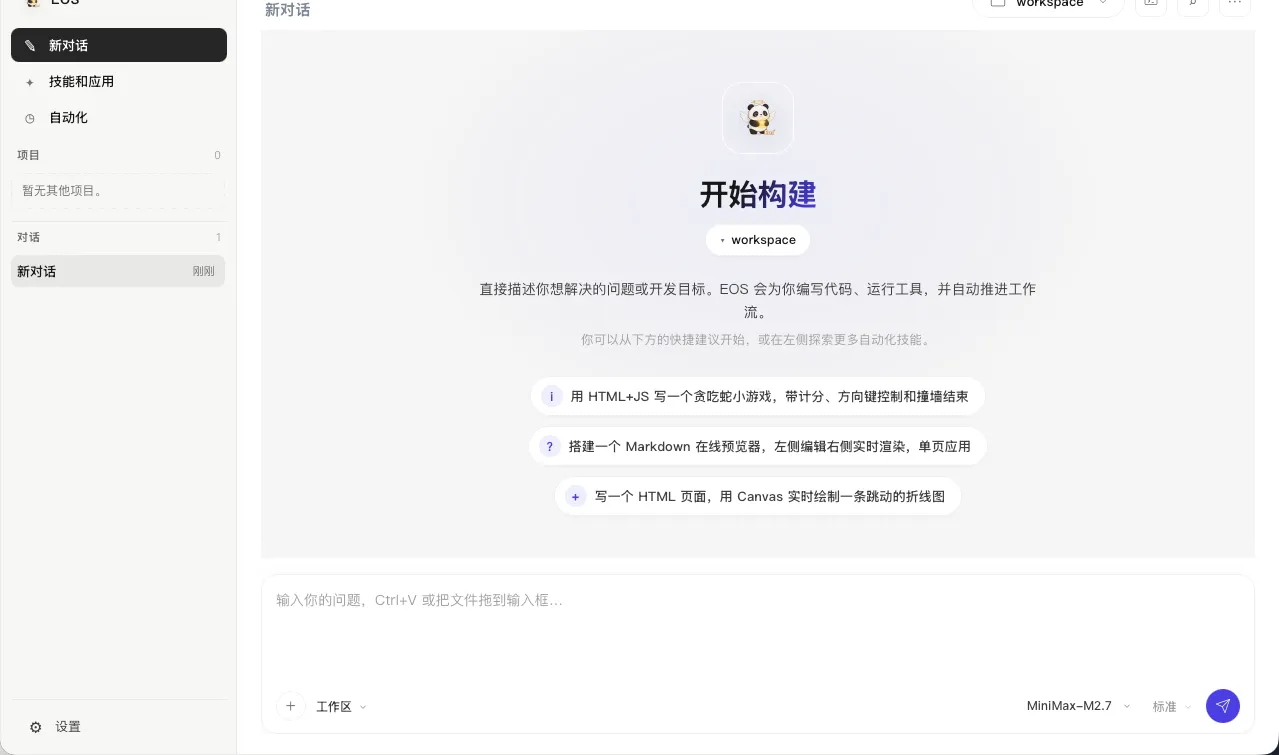
Windows (setup + portable) · macOS (dmg, Intel & Apple Silicon) · Linux (amd64 & arm64)
From one request to a working file — a 90-second look at the desktop workspace.
The same Rust core as a Go-powered CLI: interactive TUI, headless mode, and a standard MCP server. Free during beta.
curl -fsSL https://cdn.jsdelivr.net/gh/eosaios/eos@main/scripts/install.sh | bash
Windows (PowerShell):
irm https://cdn.jsdelivr.net/gh/eosaios/eos@main/scripts/install.ps1 | iex
Batch convert, compress and watermark images, video and documents in one native app. Free while in beta testing.

Windows · macOS (Intel & Apple Silicon) · Linux (amd64 — deb & AppImage)
Todos, screenshots, a focus timer and local folders. Keep everyday work local; use AI with Todo Pro. Pro includes optional end-to-end encrypted cloud sync.
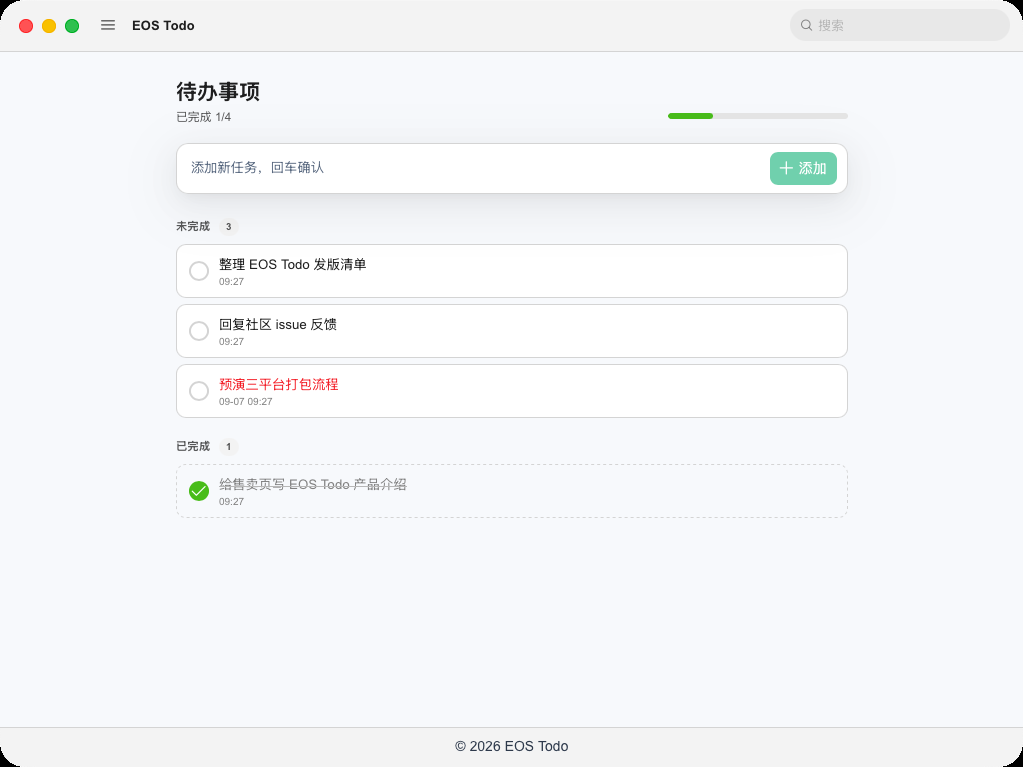
Free essentials. Optional Pro subscription.
Pro: $4.99 USD / month · $39.99 USD / year
For Windows x64 and Apple Silicon (M-series) Macs
Linux coming soon
First time installing?macOS · View installation guide · Windows · Installation guide →
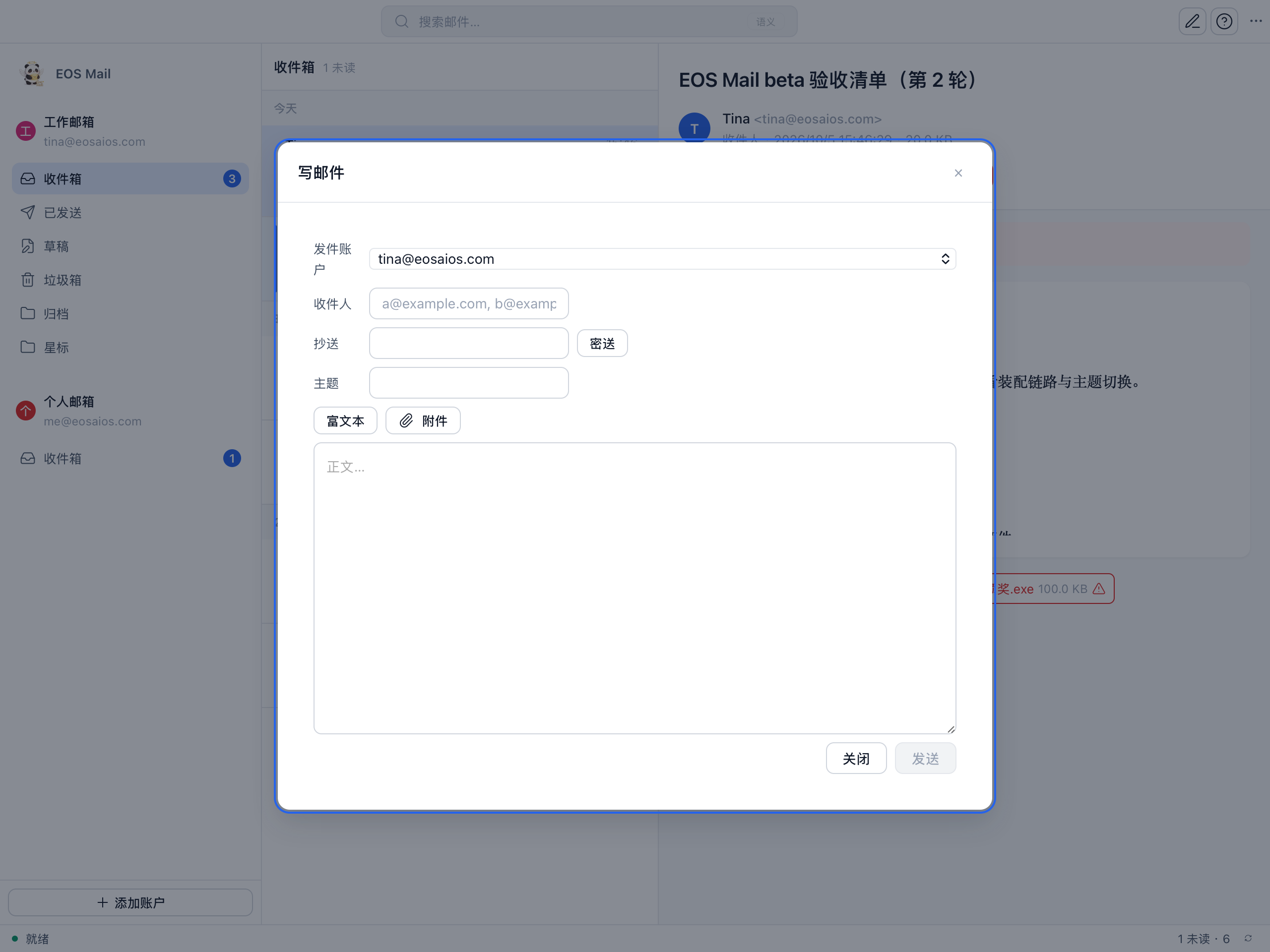
A real desktop mail app: IMAP/SMTP multi-account with one-click Gmail authorization, everything synced to local storage. Mail is rendered through a sanitizing sandbox, credentials live only in your OS keychain, and there is zero telemetry. Free while in beta testing.
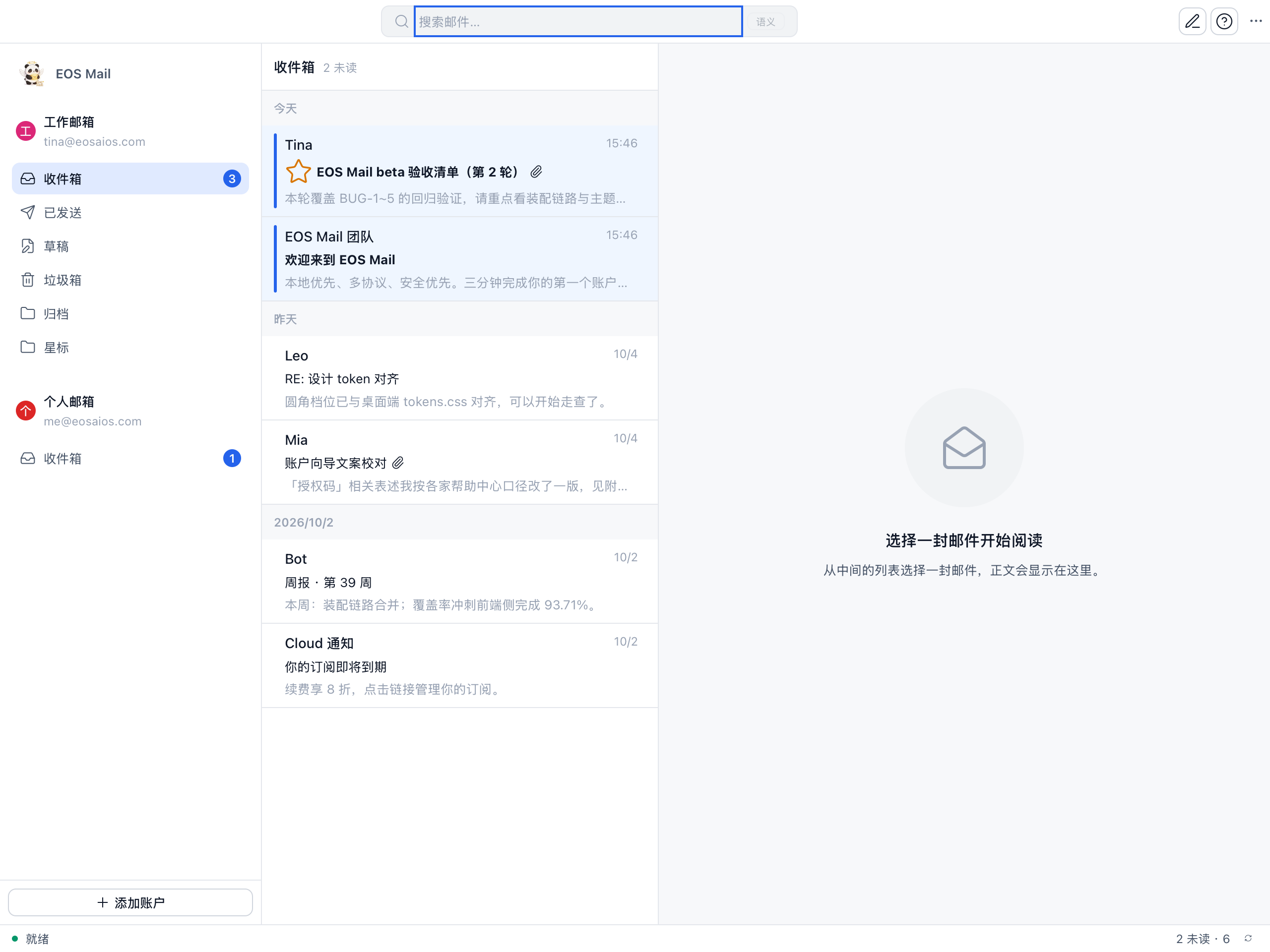
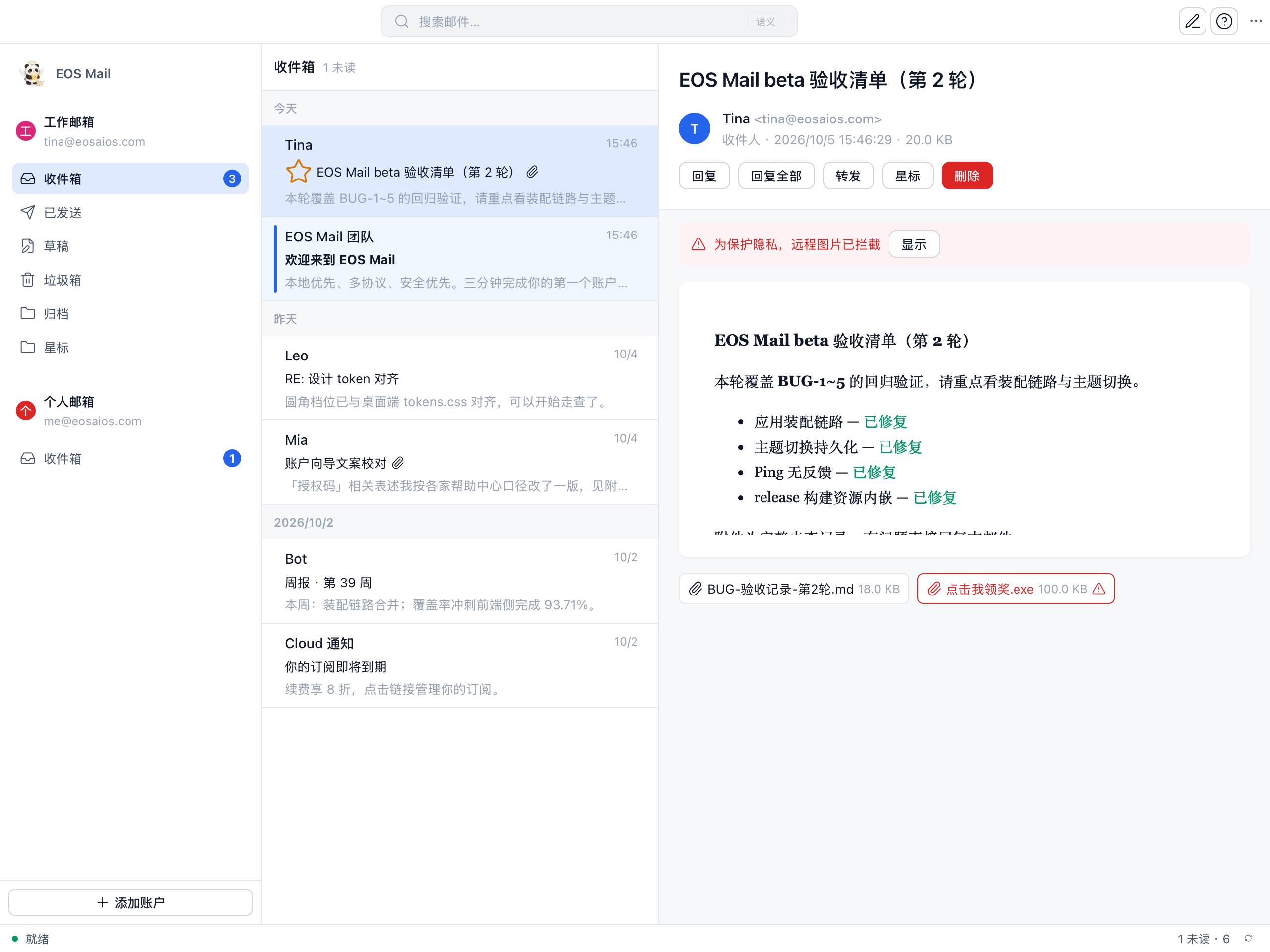
Windows · macOS · Linux
$19 USD · One-time purchase · 27 documents and 12 reusable rules
Yes. The basic version of EOS App is free. EOS CLI is free during open beta. The source code lives on GitHub, where every release can be downloaded for free.
Yes — EOS Media is free while in beta testing: every feature works and no account is required. Future pricing will be announced later.
EOS App and EOS CLI share the same Rust core and are the tools you build with: App is the desktop workspace, CLI is the terminal agent. AI Dev Methodology is the paid playbook ($19) that teaches you a spec-driven process for working with AI agents in any tool — including, but not limited to, EOS.
Any OpenAI-compatible API endpoint (EOS_API_BASE, EOS_API_KEY, EOS_MODEL or the desktop settings page). They run on Windows, macOS, and Linux — the desktop app ships a signed Rust core, so no extra runtime is required.
Not sure if AI Dev Methodology is right for you? Ask anything about the system, licensing, or team usage.
If the form does not load, you can also email directly at [email protected].