
Keep everyday work close
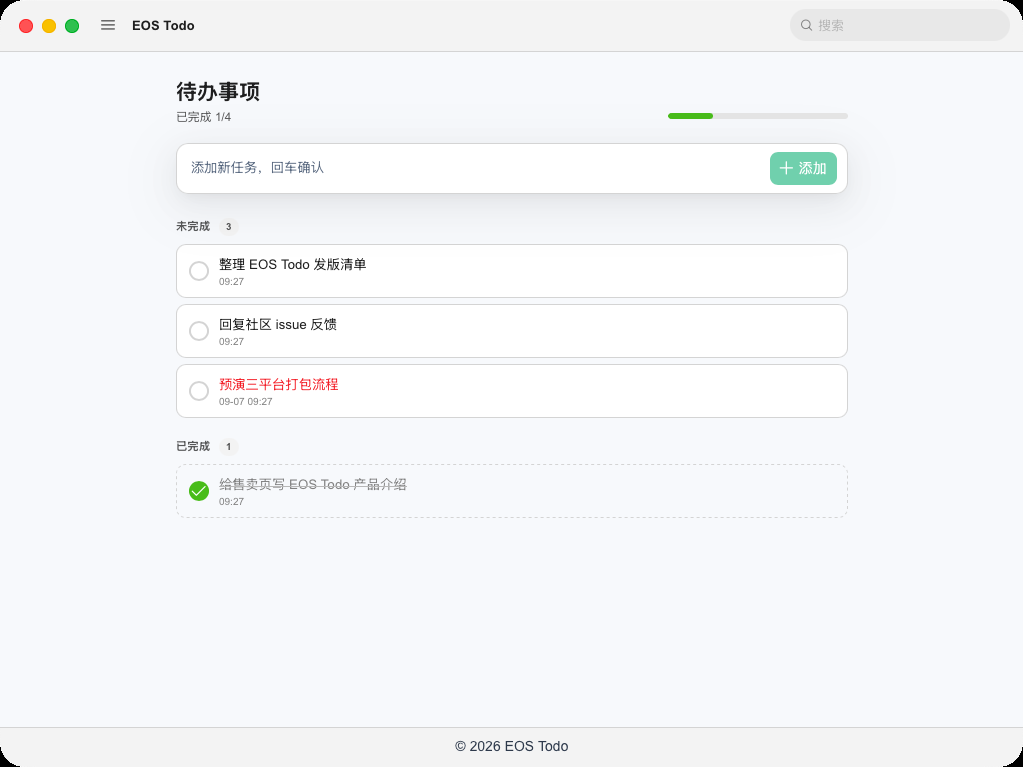
Add and edit tasks, tick them off, and spot overdue work. Capture the screen or a region and browse local folders without opening another tool.
EOS TODO · DESKTOP
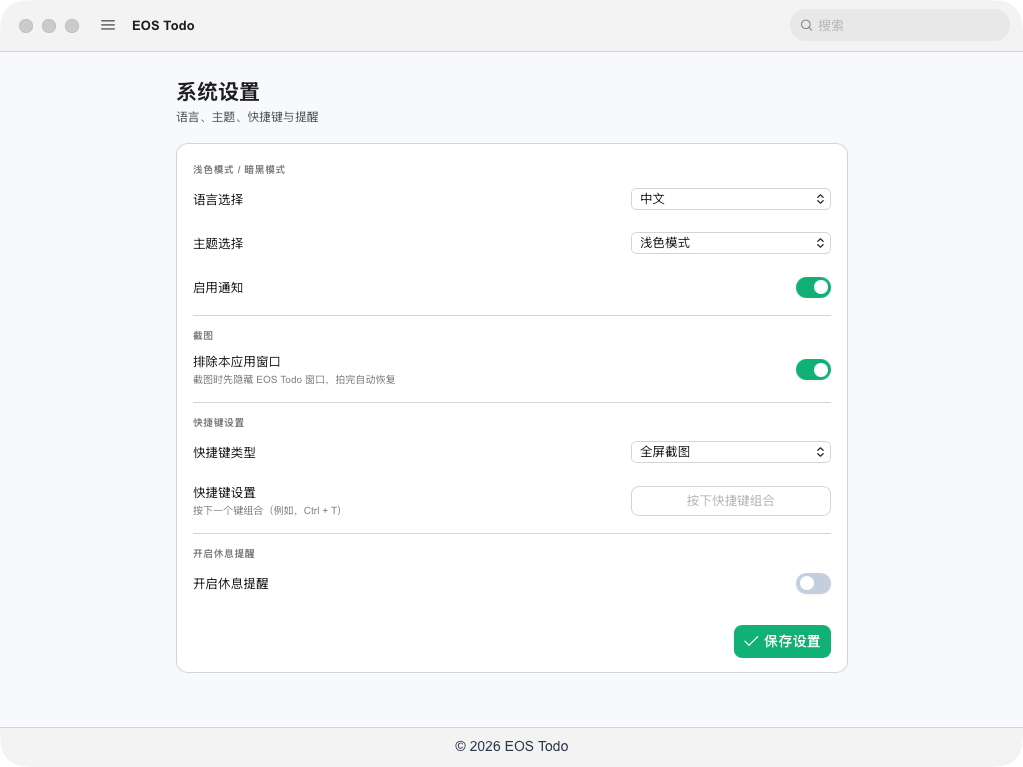
Todos, screenshots, a focus timer and local folders. Keep everyday work local; use AI with Todo Pro. Pro includes optional end-to-end encrypted cloud sync.
For Windows x64 and Apple Silicon (M-series) Macs
First time installing?macOS · View installation guide · Windows · Installation guide →
Less switching. More focus.
Add and edit tasks, tick them off, and spot overdue work. Capture the screen or a region and browse local folders without opening another tool.
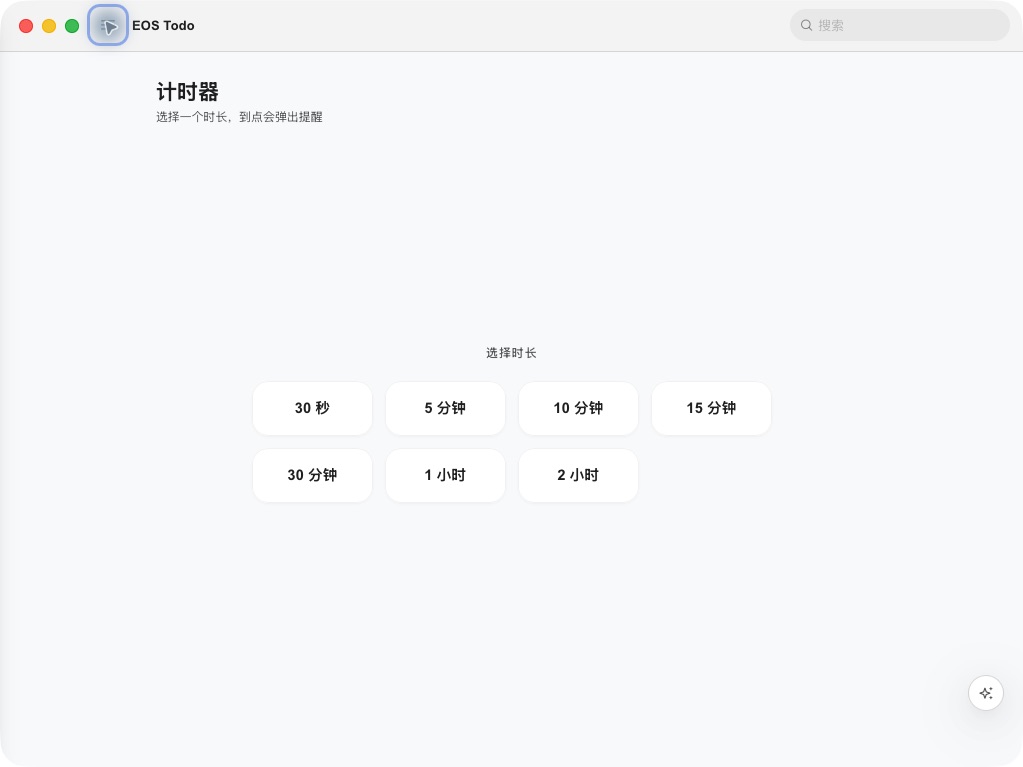
Choose a duration and focus on the task in front of you. A reminder appears when the countdown finishes.
FREE & PRO
Everyday local features are free. An optional Pro subscription connects AI to your EOS account. Pro includes optional end-to-end encrypted cloud sync.
| Feature | Free | Todo Pro |
|---|---|---|
| Local tasks, screenshots and folders | Included | Included |
| Focus timer, themes and shortcuts | Included | Included |
| Cloud sync | — | Optional, end-to-end encrypted |
| AI assistant | — | EOS hosted AI or your own API key |
| Hosted AI credits | — | 4,000 each month |
TODO PRO
$4.99 USD / month
12 monthly payments: $59.88
AI assistance and 4,000 hosted AI credits each month. Pro includes optional end-to-end encrypted cloud sync.
Subscribe monthly$39.99 USD / year
About $3.33 / month · Billed yearly
Save $19.89 a year vs monthly
The same Pro features. Credits are issued monthly, not as an annual lump sum.
Subscribe yearlySubscriptions renew automatically. Manage cancellation in your account; access continues until the paid period ends. Credits reset monthly and do not roll over. Usage varies by model: 4,000 credits does not mean 4,000 requests. Your own API key is billed by its provider. Prices are in USD; applicable taxes and the final total are shown at checkout.
For Windows x64 and Apple Silicon (M-series) Macs only. Intel Macs are not supported.
Linux coming soon
First time installing?macOS · View installation guide · Windows · Installation guide →
Local tasks stay on your computer. With Pro, you can enable end-to-end encrypted cloud sync. Only encrypted task content and image bytes are sent to EOS storage. Keep your sync passphrase and recovery code safe. AI requests send the relevant messages and content you choose to provide to EOS hosted AI or your configured provider. Sign-in, update checks and feedback also use the network. Read our privacy policy and AI use information.
The link resolves the platform-approved current installer for the selected platform each time. The app also supports update checks, backup download sources and resumable downloads, with confirmation before installation.
Use Feedback in the app, with a description and screenshots stripped of personal data, or email [email protected].